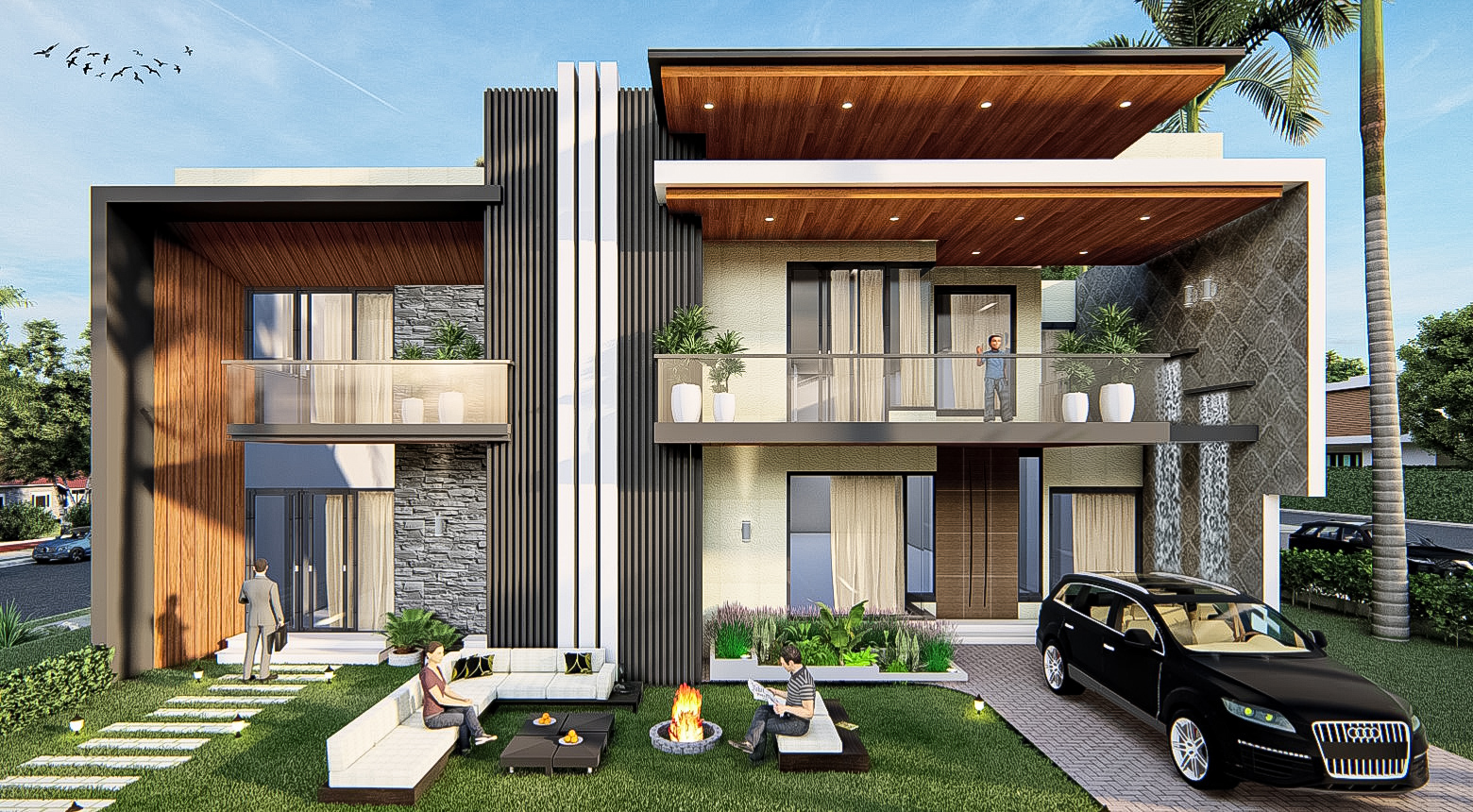
Walkthroughs and 360° tours are often used interchangeably in casual conversation. They are fundamentally different deliverables, with different costs, different production times and different ideal use cases. Picking the wrong one is a common and avoidable waste of marketing budget.
What is a 3D walkthrough?
A 3D walkthrough is a linear cinematic animation. A virtual camera follows a fixed path through your project — entry, lobby, amenities, unit interior — for between 30 and 180 seconds. The viewer watches; they do not control. Output is a 4K MP4 (typically also delivered as a 9:16 vertical cut for Instagram). It is the right format when you want a packaged story you can post on YouTube, embed on a brochure landing page, loop on a sales-office screen or send by WhatsApp. Our walkthrough service delivers in 4K 60fps with optional voiceover and music.
What is a 360° virtual tour?
A 360° tour is interactive. The viewer drops into a panoramic scene, looks around in any direction by dragging on phone or mouse, and clicks hotspots to walk between rooms. It works on any web browser, on mobile and on a VR headset. Output is a web embed (iframe) plus a shareable URL, plus optional QR code for printed marketing. Our 360° tour service includes hotspot navigation between scenes and optional floor-plan mini-maps.
Side-by-side
| Walkthrough | 360° Tour | |
|---|---|---|
| Format | Linear video (MP4) | Interactive web embed |
| Viewer control | None | Full (look anywhere, click between rooms) |
| Production time | 10–15 days per minute | 7–12 days per 4–6 scene tour |
| Cost (India) | ₹80,000–₹250,000 per minute | ₹20,000–₹50,000 per scene |
| Best delivery channel | YouTube, Instagram, brochure, sales-office screen | Website, email, QR code, VR headset |
| Engagement model | Passive (storytelling) | Active (exploration) |
When to use a walkthrough
- Pre-sales launch events. A 90-second walkthrough on a 4K screen tells the story to a room of buyers far better than any other medium.
- YouTube and Instagram marketing. Algorithm-friendly, shareable, gives you stills you can extract for hoardings.
- Client design presentations. A 30–60 second cut to support the architecture firm's pitch.
- Sales-office display loops. Looping 4K MP4s sized for any display.
When to use a 360° tour
- Real-estate website embeds. Each unit type gets its own tour.
- Email and WhatsApp campaigns. One link, instant exploration.
- Hotel marketing. Let prospective guests walk a suite before they book.
- Showroom and gallery tours. Site-hoarding QR codes that drop visitors into a virtual model unit.
- VR experiences. Optimised for Meta Quest and Apple Vision Pro.
Can you use both? Yes, and you usually should
For a serious off-plan launch we typically recommend both. The walkthrough does the persuasive top-of-funnel work — it gets shared, it auto-plays in feeds, it sells the dream. The 360° tour does the consideration-stage work — once a buyer is interested, they want to explore, and the tour lets them do that in their own time on their own device.
Budget split
A typical pre-launch package allocates roughly 60–70% of the visualisation budget to a 90-second hero walkthrough and 20–30% to a 4–6 scene 360° tour, with the balance going to still hero renders for hoardings and brochures.
Need help picking the right format for your project? Talk to us on WhatsApp at +91 96467 24313 or email danish@slateconcepts.com.